Screenshots vanish in the crowd
You save something important, then a week later you are scrubbing through the camera roll like evidence footage.
Turn loose screenshots into Clips with a name, a note, and a library. No account, no cloud, no endless digging through your camera roll.
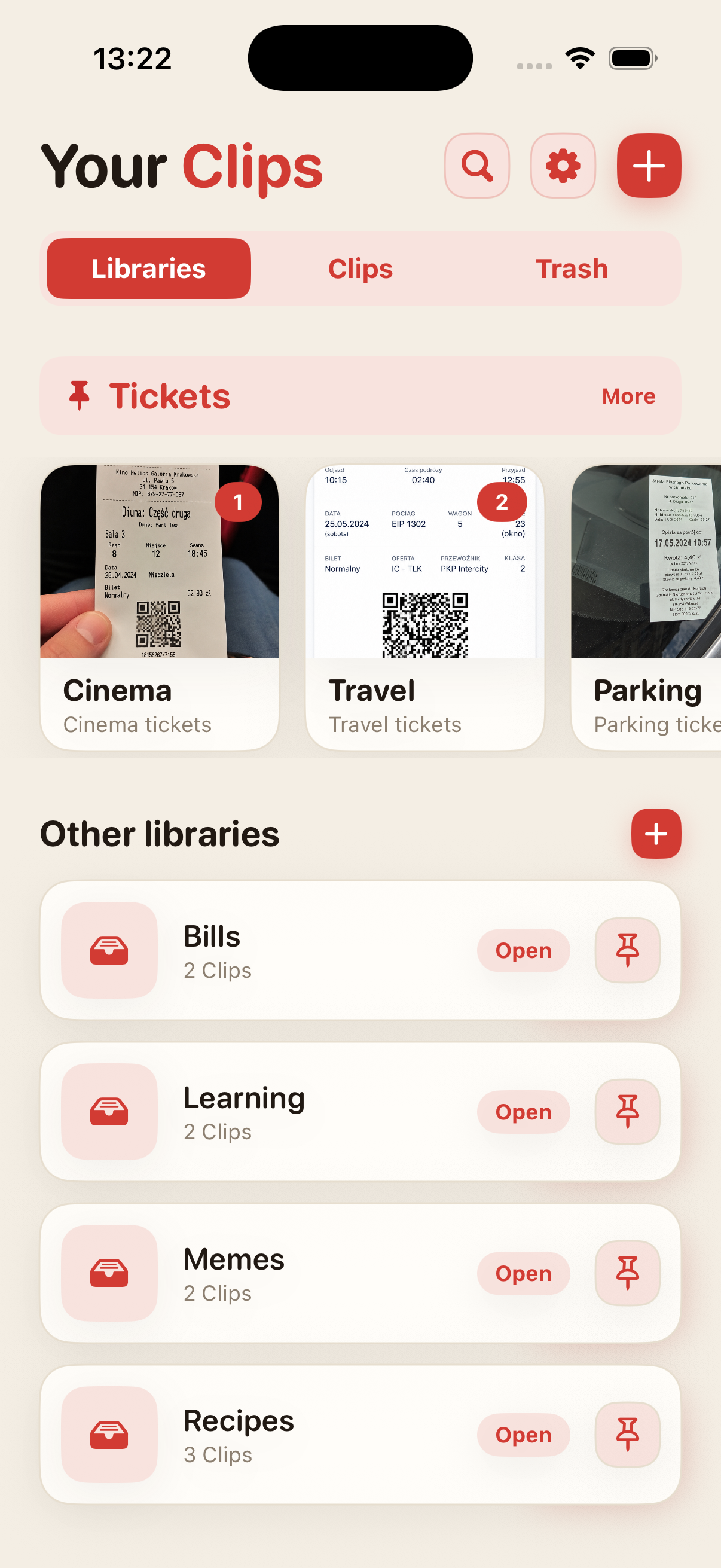
Receipts, recipes, tickets, ideas, and article snippets end up next to selfies, memes, and accidental ceiling shots. We built the cloud, then still lost the screenshot with the hotel address.
You save something important, then a week later you are scrubbing through the camera roll like evidence footage.
The image alone often is not enough. ScreenClips lets you add a name and a note.
Travel, work, shopping, and learning deserve their own places, not one endless pile in Photos.
Separate topics like recipes, receipts, tickets, research, learning, or anything else you are trying to keep alive.
A Clip is a small bundle around one thing. It has a name, a description, and its own screenshots.
Open a library, pick a Clip, and everything you need is already together.
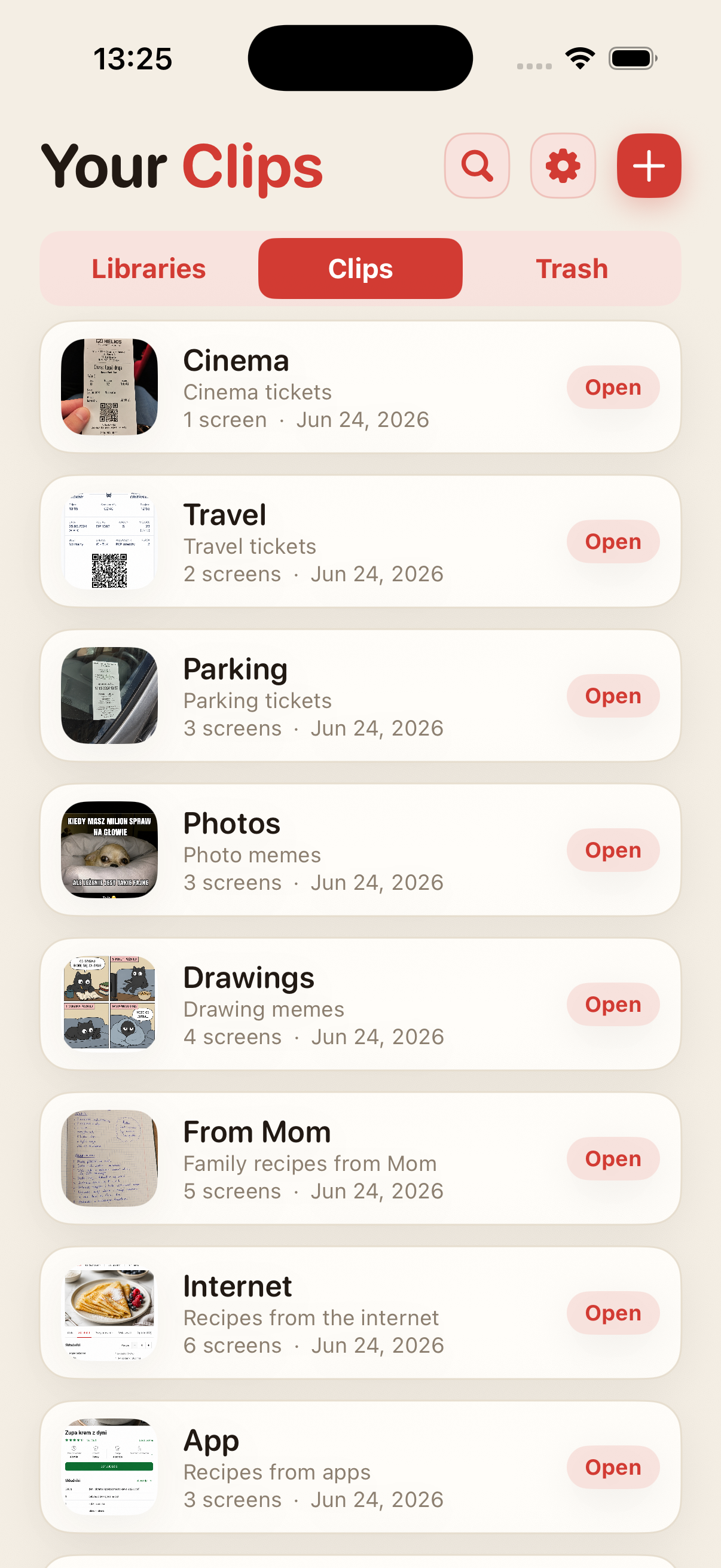
ScreenClips does not try to guess for you. It gives you a simple structure: a library for the topic, a Clip for the specific thing, and screenshots or photos inside.
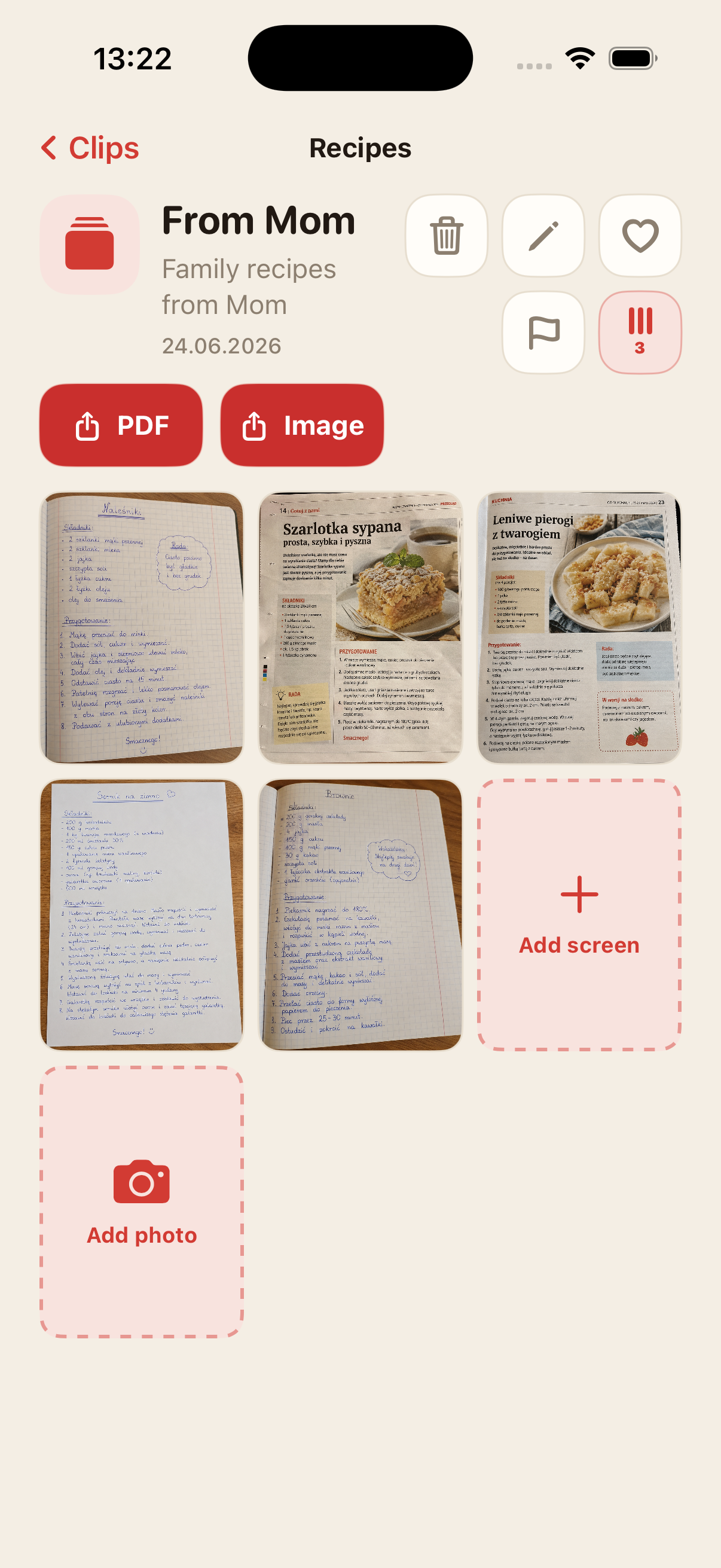
Collect materials inside Clips and keep adding to them as the topic grows.
Turn a Clip into a readable file when you want to send it or keep it outside the app.
Favorites, flags, and order where there used to be only scrolling despair.
ScreenClips works locally. You do not need an account to get organized, and you do not have to hand your receipts, notes, and plans to another service that really wants to “improve the experience”.
Premium does not make the app complicated. It gives you more room for libraries, Clips, and screenshots. The price is shown in the App Store.
Download onApp Store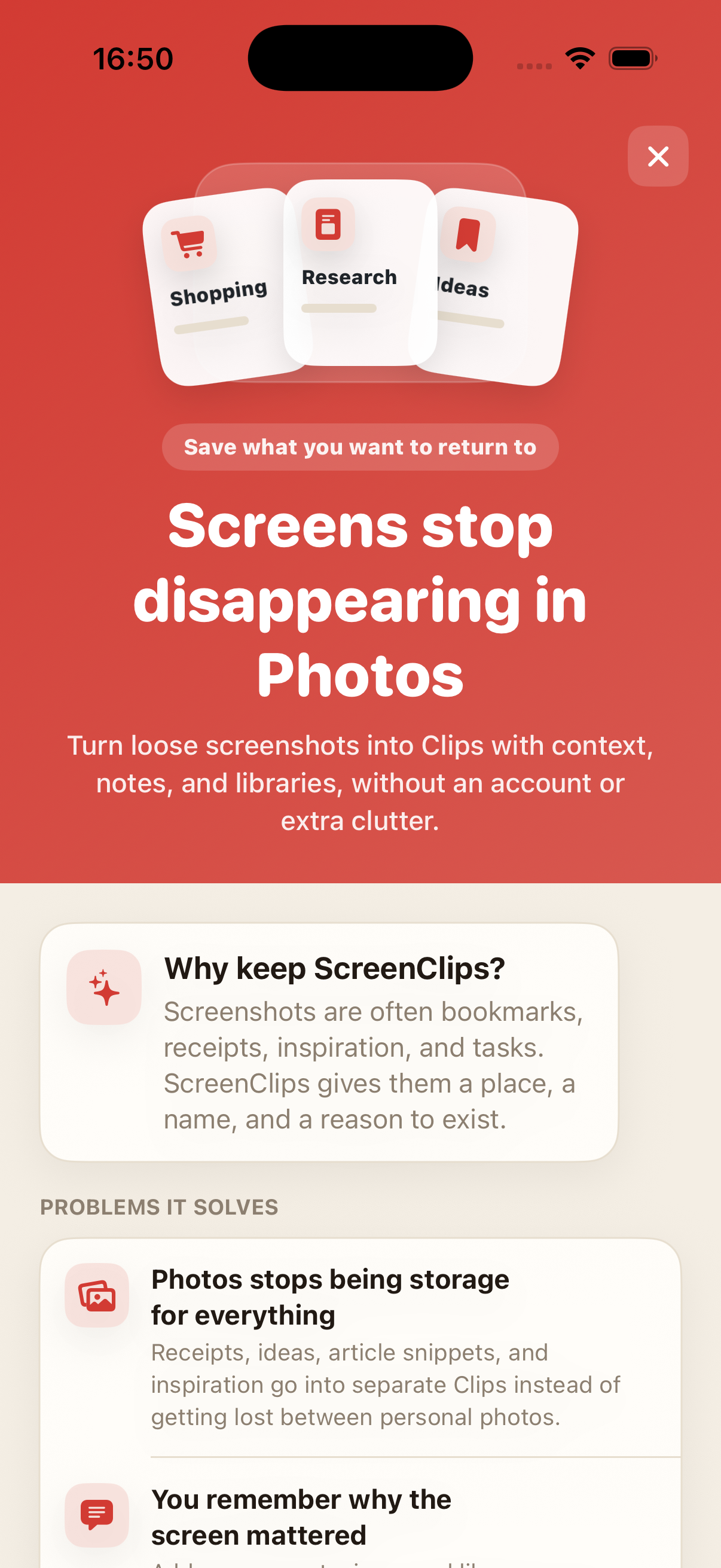
No. Removing an item from a Clip does not delete the original from Photos.
Yes. ScreenClips is designed as a local organizer on your iPhone.
No. ScreenClips does not need an account to organize your Clips.
Yes. You can add screenshots and photos when they belong in a Clip.
ScreenClips organizes the things you save “for later”. This time, later is actually findable.
Download onApp Store